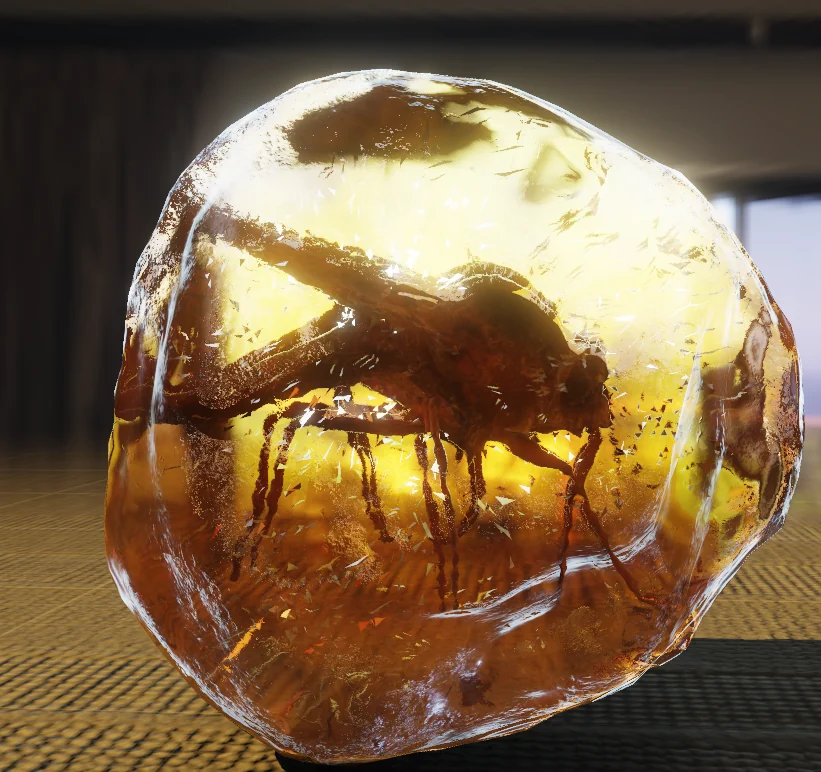
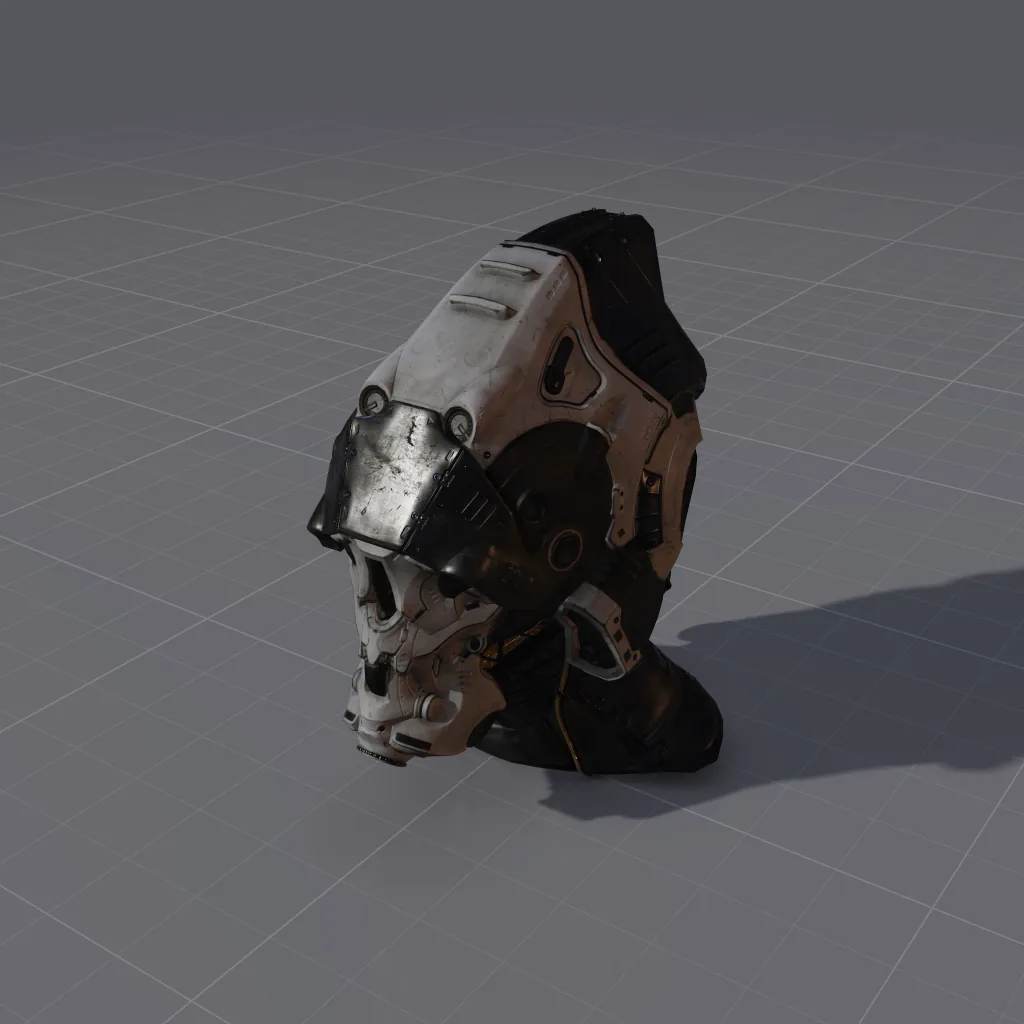
Every picture on this page was rendered by Heimdall3D from the original file.
NEW IN 1.1.0
Rig, animate, light and print
Version 1.1.0 adds rigging, motion capture, animation, splat captures, lighting, volumes, print checks and scripts.
01 · FIGURES
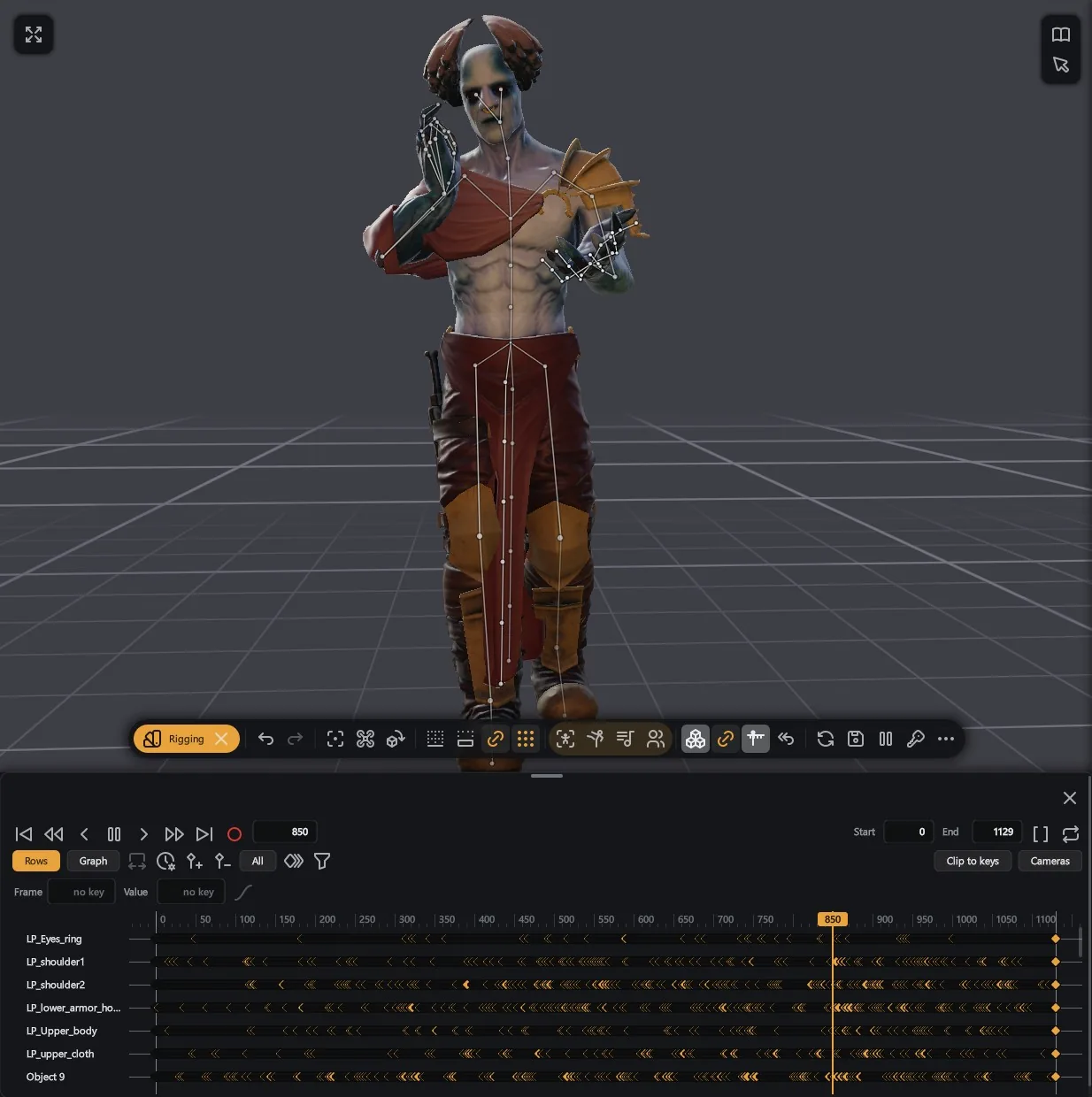
Rigging in seconds
Rig a character in seconds.
A character without a skeleton gets one automatically, with skin weights and finger bones. 103 of Mixamo's 108 characters rig this way. Drag the joints, pose by hand and paint weights.
Motion capture library
Motion capture from CMU and Quaternius on your own characters.
Feet stay on the ground. Repair motion fixes spikes and bent-back knees. Several actors play at once, each on its own clock.
02 · ANIMATION
A time dock for animation
Range, transport, named rows and a graph editor along the bottom of the window.
Key objects, cameras, lights and card settings. Cut between cameras. Export .glb or .fbx with skeleton, weights and clips.
03 · CAPTURED PLACES
Gaussian splat captures
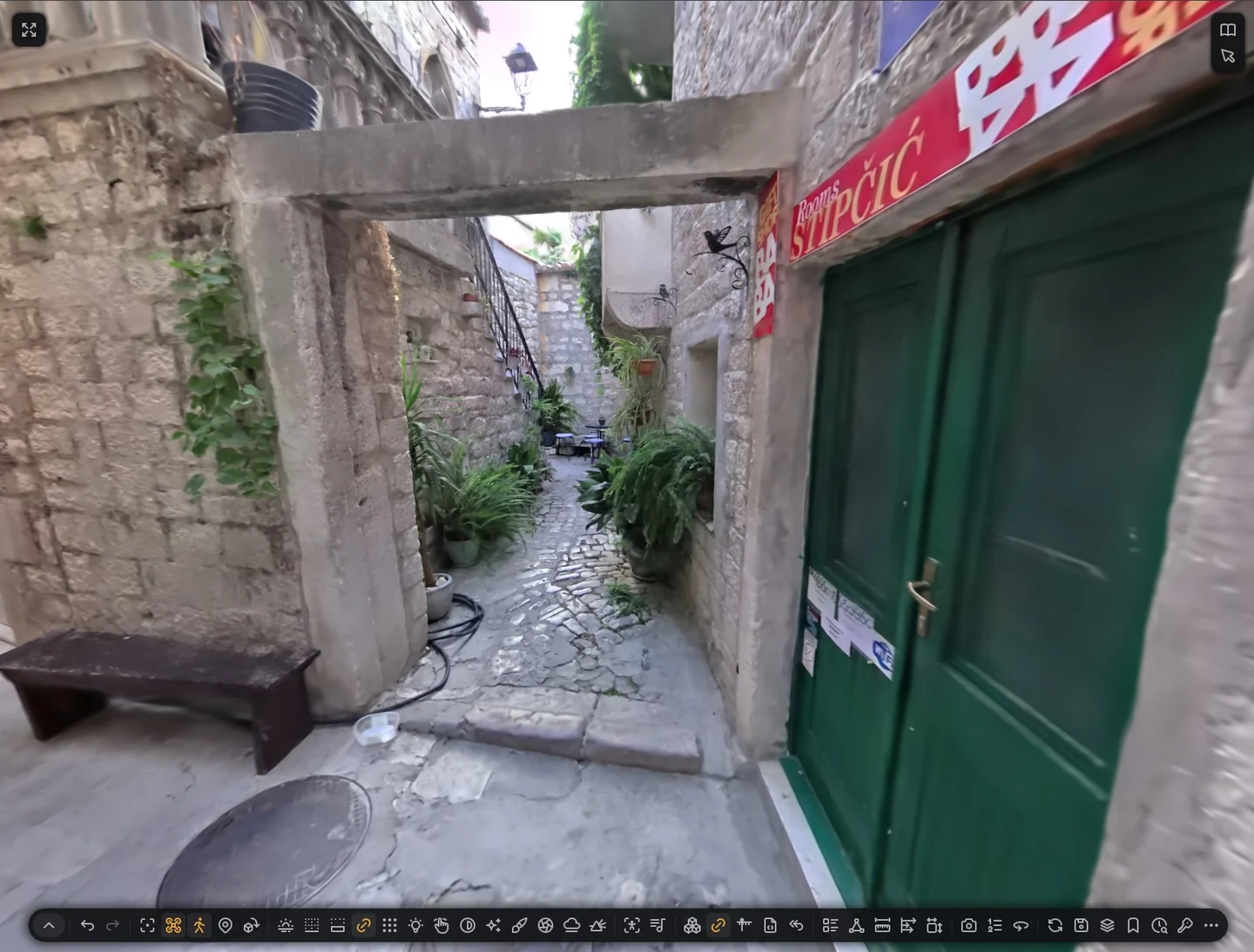
Open captures of any size. They stream from disk while you look.
Walk inside a capture with keys or an Xbox controller. Jump between named places.
Download a capture from SuperSplat (superspl.at) and open it. Heimdall3D reads .ply, .splat, .ksplat, .spz, .sog and the streamed .ssog.
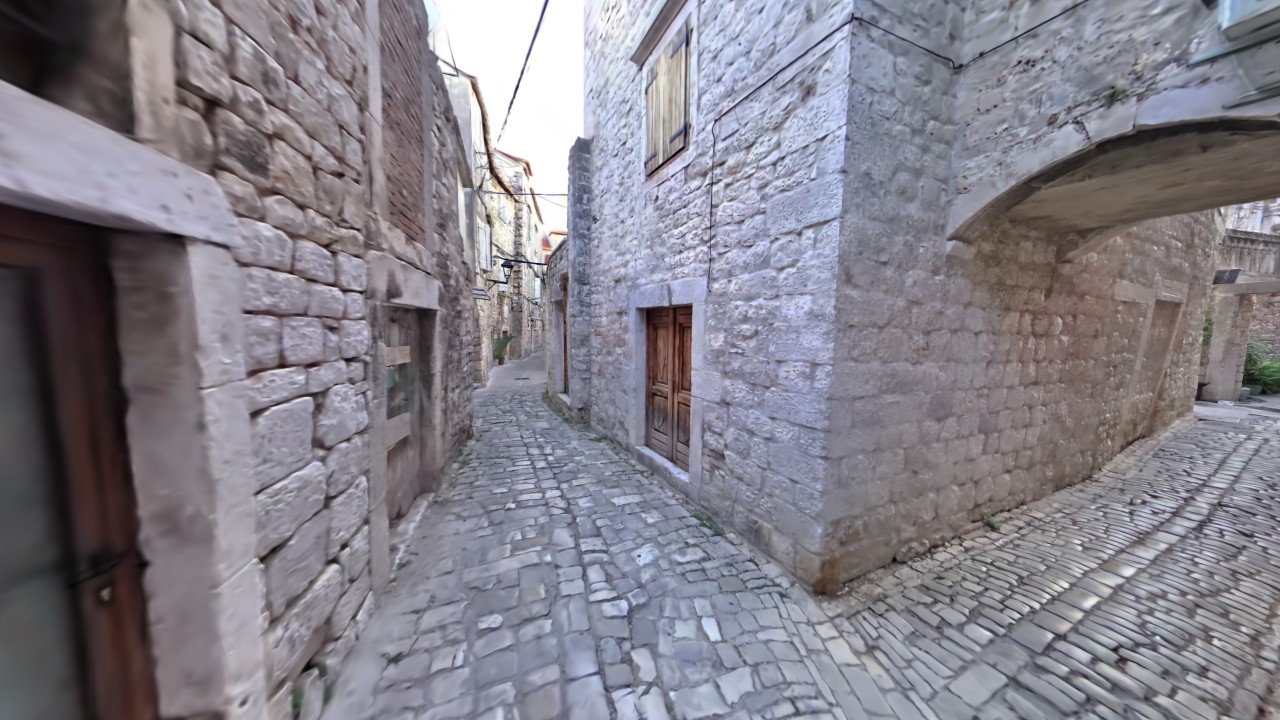
- Trogir on SuperSplat: the alleys of a Croatian town, by Paolo Tosolini, captured with an XGRIDS PortalCam. It opens with you standing inside.
- Double Arch on SuperSplat: the rock formation in Arches National Park, Utah, by AJ Creek.
Both captures are licensed CC BY 4.0. Authors: Paolo Tosolini and AJ Creek.
04 · LIGHT AND AIR
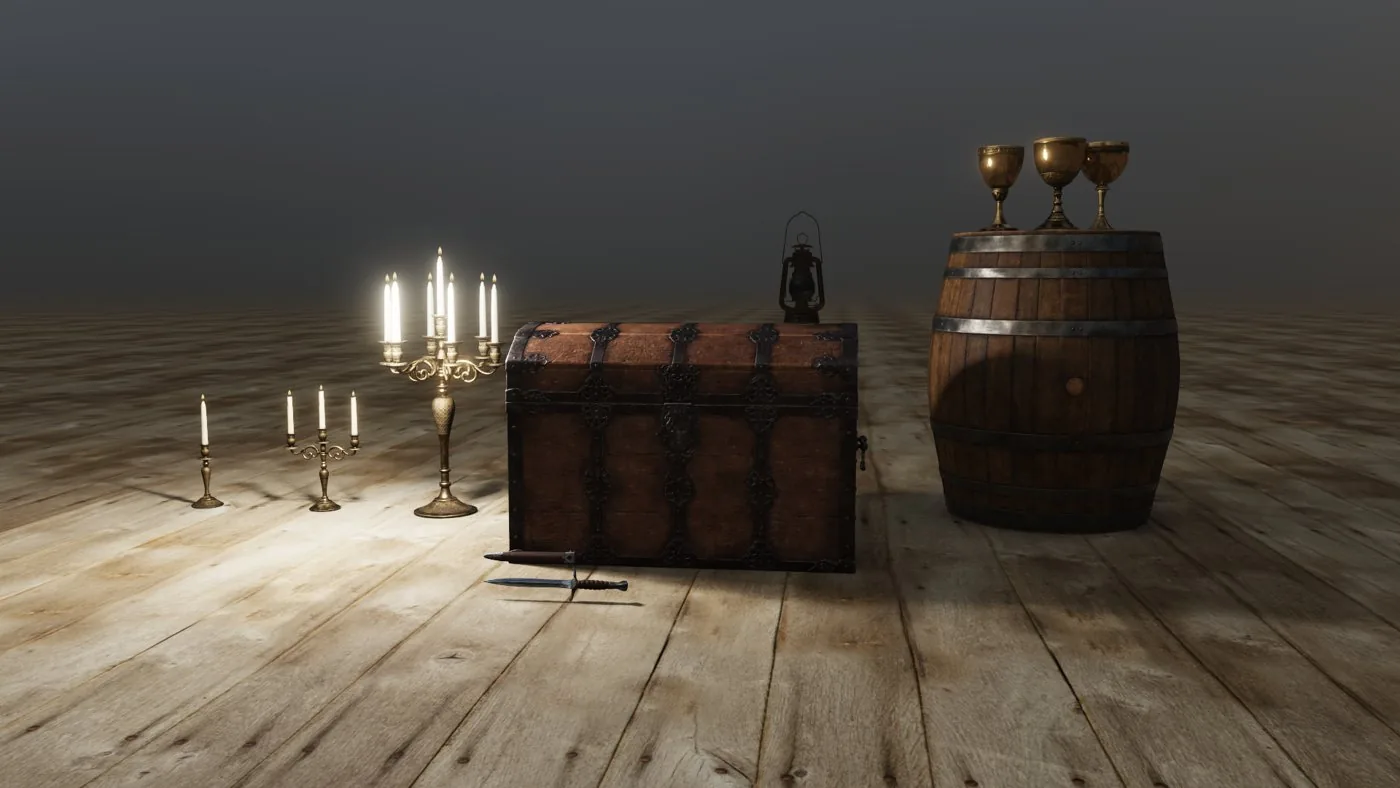
Lights placed with a press
Up to 4096 lights in a scene.
Press on the model to add a Point, Spot, Sun or Area light. Up to 16 cast shadows.
Clouds and fire
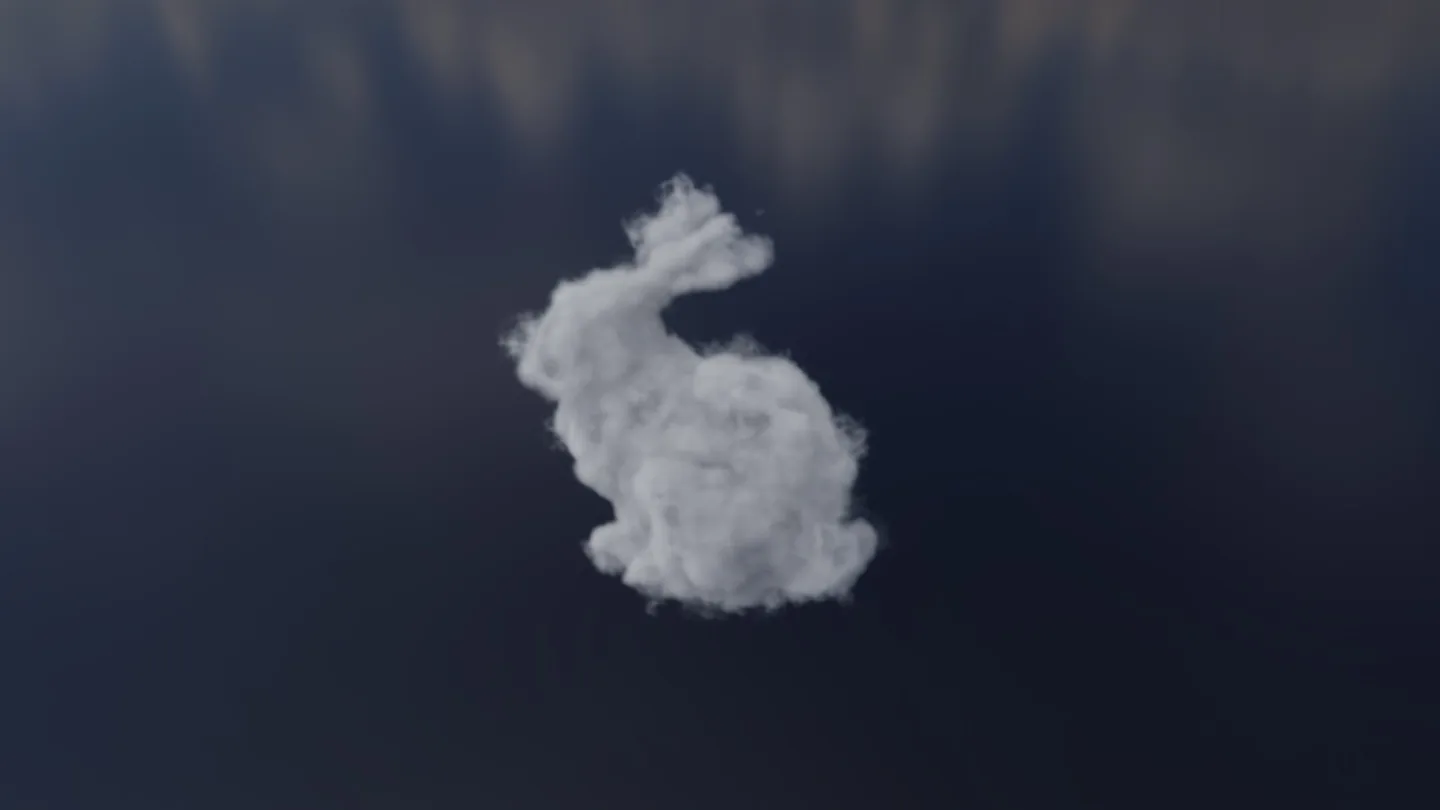
OpenVDB and NanoVDB volumes show clouds lit by sun and sky, and fire that glows by its temperature.
Volume sequences play on the timeline.
05 · 2D AND GAME ART
From 3D model to sprite sheet
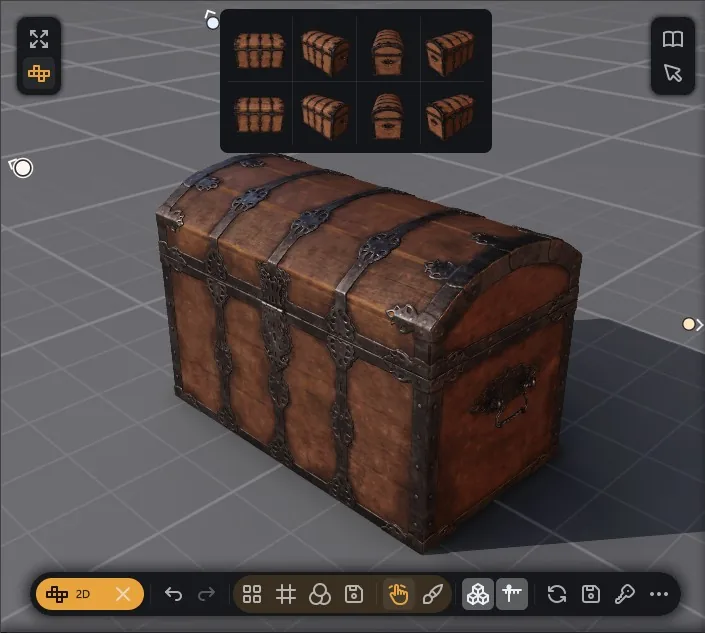
Turn any model into a sprite sheet with 4, 8 or 16 directions.
Every cell shows in the pane, lit by your scene. Export for Godot, TexturePacker, GameMaker and Aseprite, with normal, depth, occlusion and ID maps beside the colour. Directions and clips become named animations. The pixel look sets 16 to 256 rows, 2 to 64 colours, dither and outline. Aseprite, Tiled and LDtk files open directly.
06 · PRINTING
Checks for 3D printing
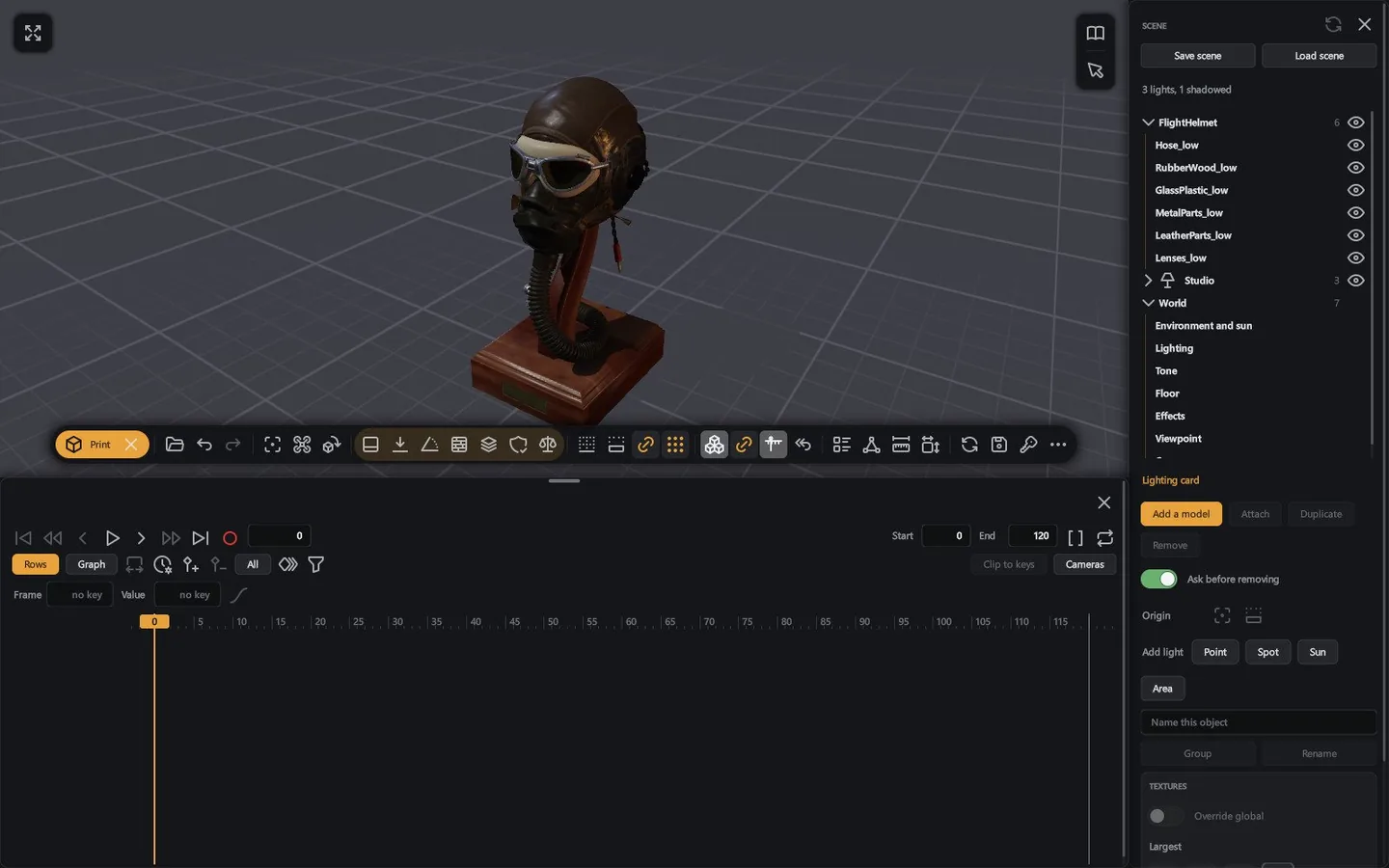
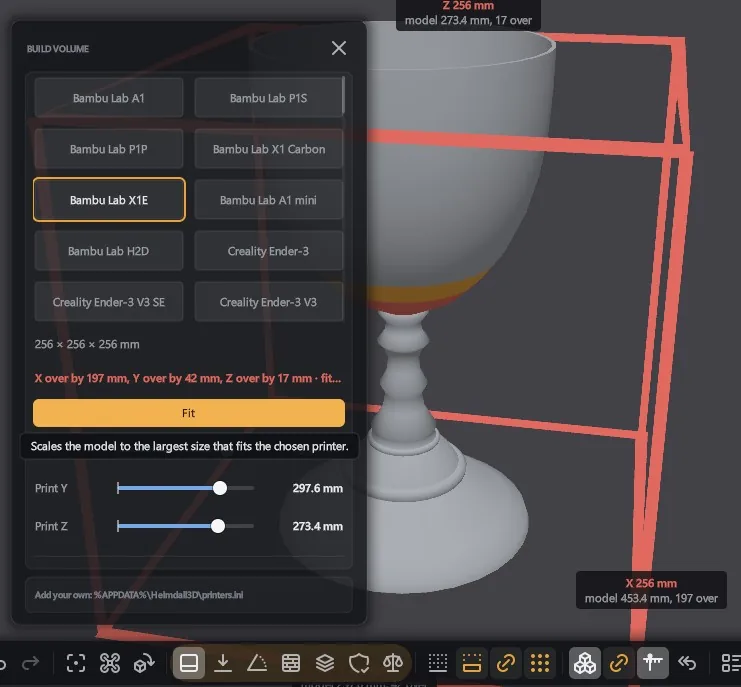
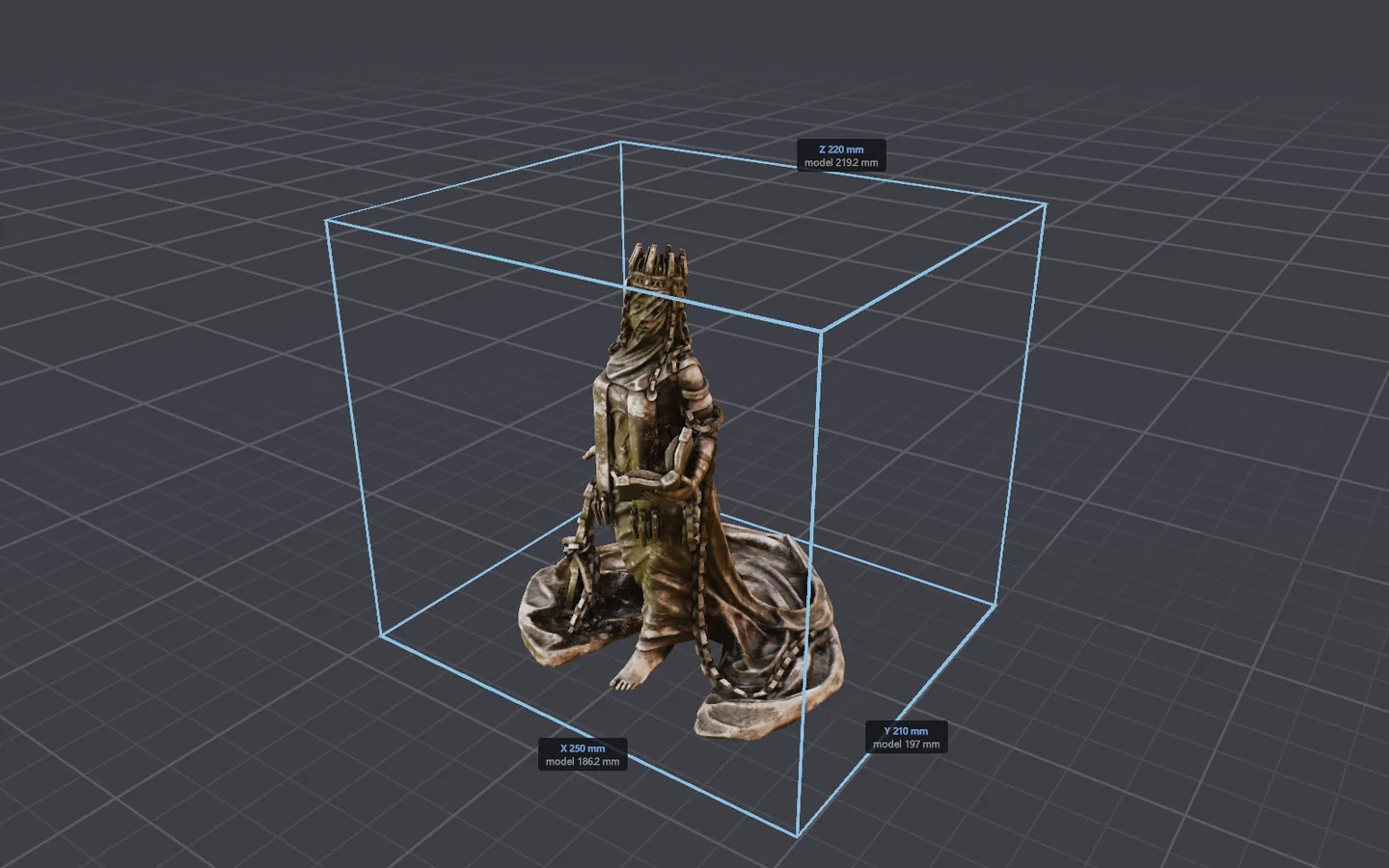
See a model's size in millimetres and whether it fits one of 63 printers.
Fit it to a printer, show overhangs, check Health and Volume, lay it flat, cut Layers and colour thin walls.
07 · SCRIPTS
Every scene is also a script
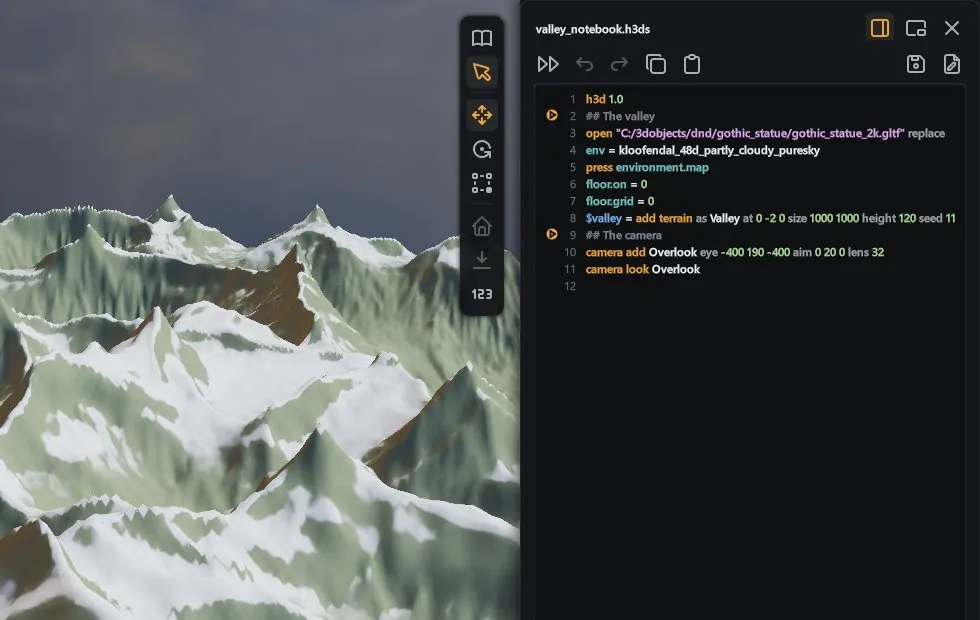
Save any scene as a text script, a .h3ds file, and run it to build the scene again. The language is made for AI assistants.
A script can add models, lights and cameras, key animation and set any card's controls. Undo takes back a whole script in one step. Templates like three-point lighting, a product shot and a turntable run in one line.
An AI assistant can drive Heimdall3D from a shell or over MCP, in the window you have open. The Activity window shows what it did.
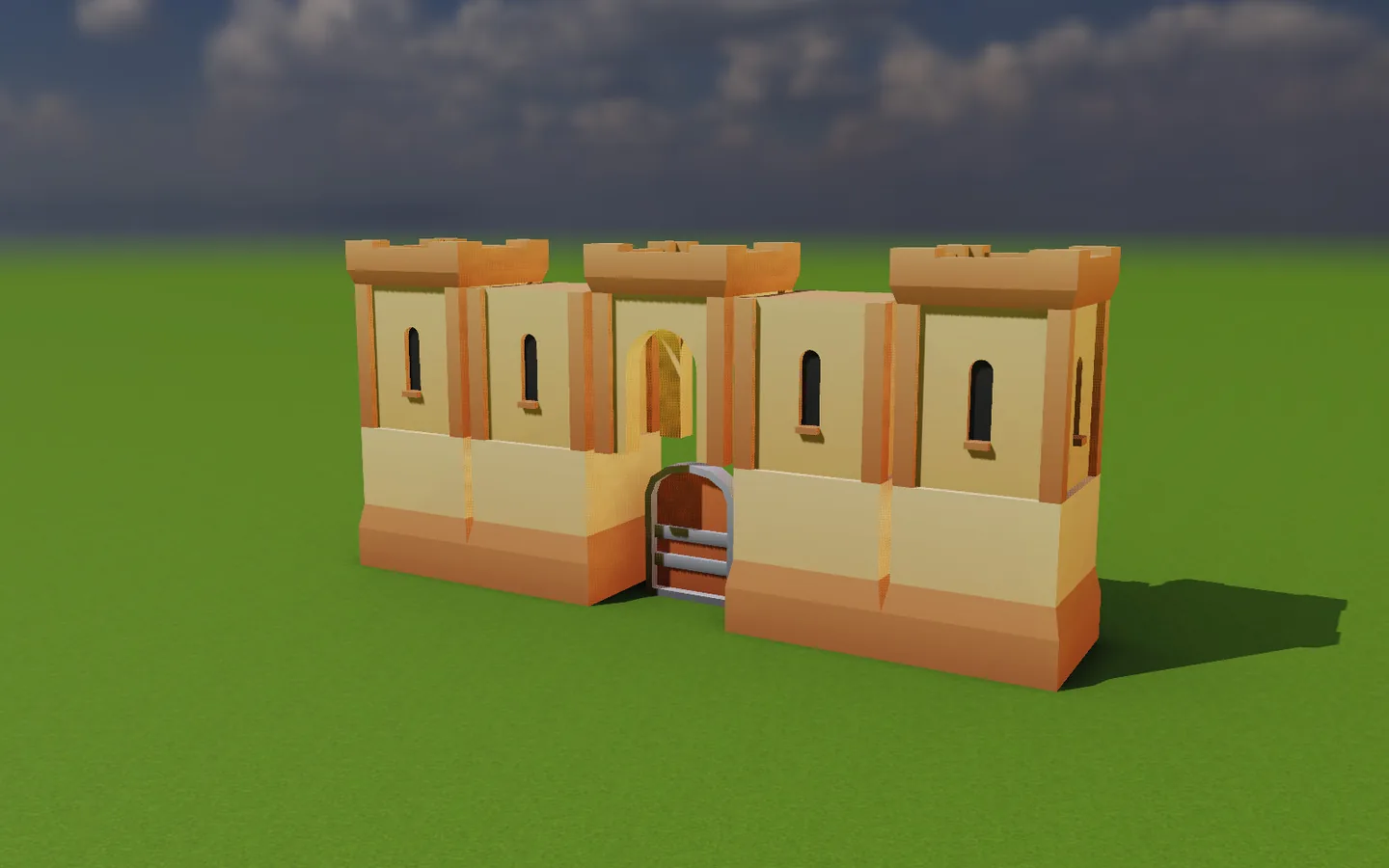
Name a piece from the model library as library:<author>/<collection>/<piece>, for example library:kenney/castle/wall. Heimdall3D downloads it once. The same script builds the same scene on any computer. Gulltopp, Heimdall3D's tray companion app, uploads your models to heimdall3d.com. Skirnir shows them in the browser.
THE COMMAND LINE
Drive Heimdall3D from a shell
Turn on Take commands on the Configure page and these reach the open window.
heimdall3d_view.exe --call script run castle.h3dsRuns the script in the open window and waits for it to finish.heimdall3d_view.exe --call run "Three-point lighting" #154Adds a key, a fill and a rim light aimed at node #154.heimdall3d_view.exe --call look --size 1280x720 --out castle.jpgSaves a picture of the view.For an AI assistant that speaks MCP, point it at heimdall3d_view.exe --mcp.
The castle from the script. Press it to turn it.
A CASTLE FROM ONE SCRIPT
A castle from one script
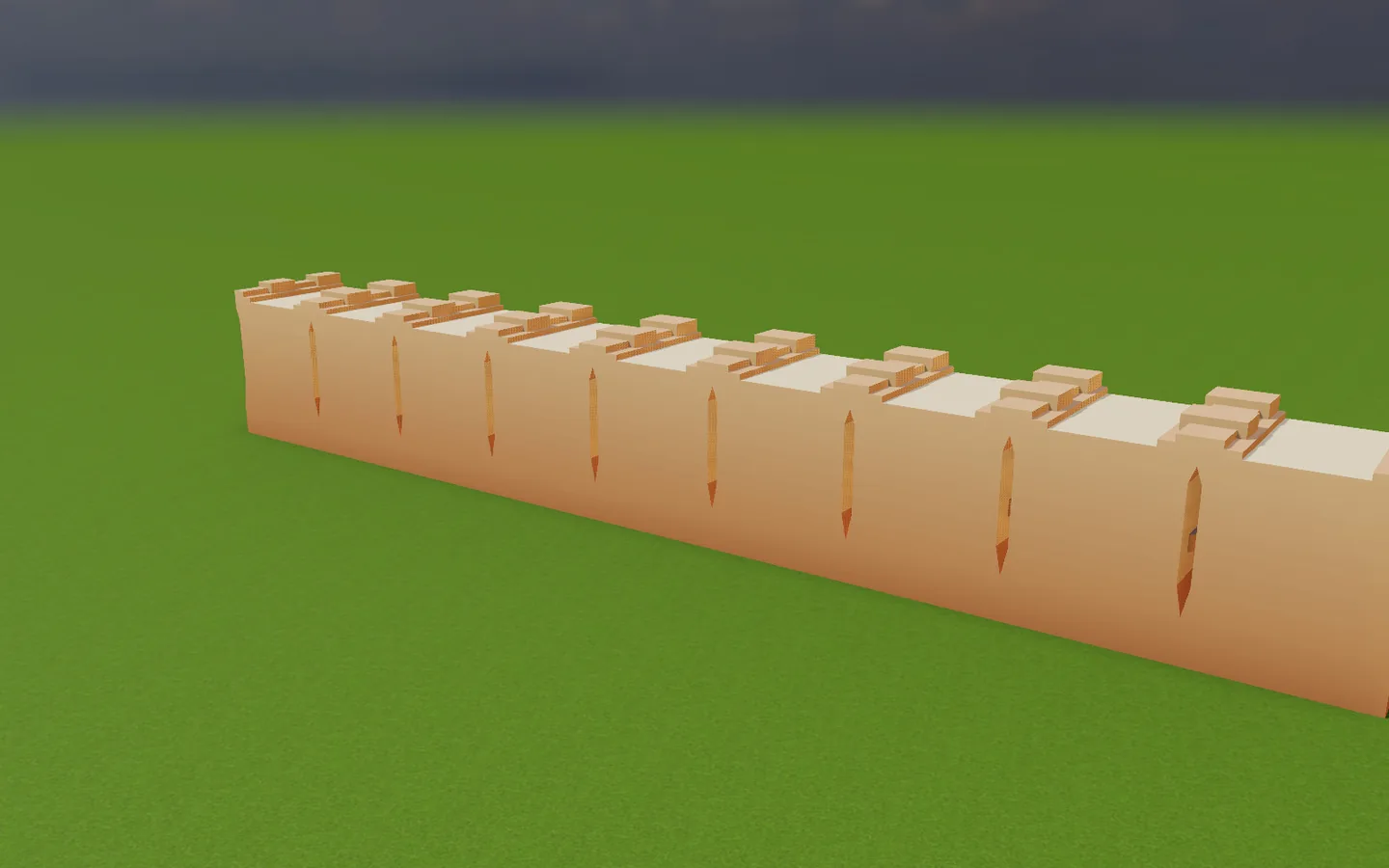
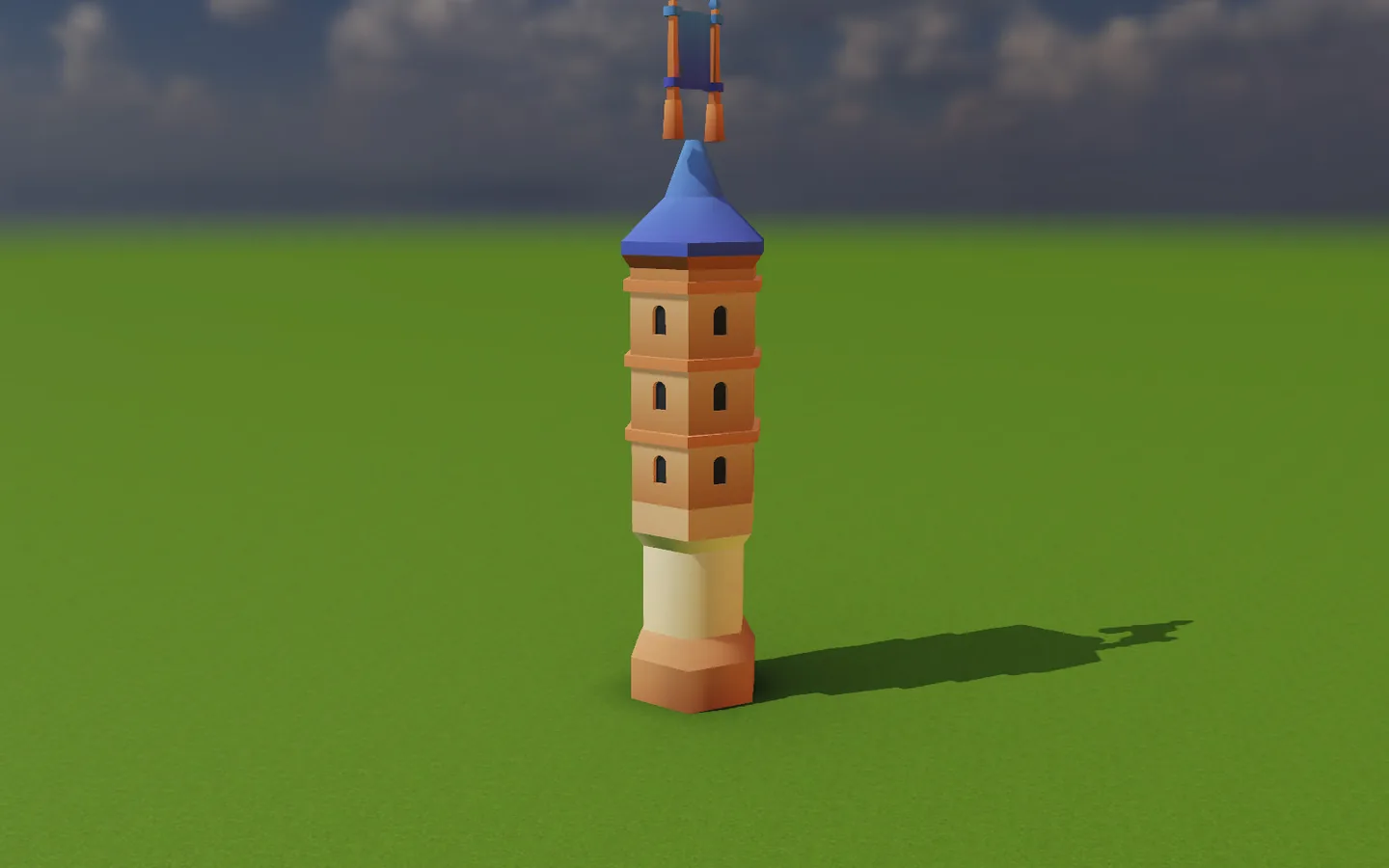
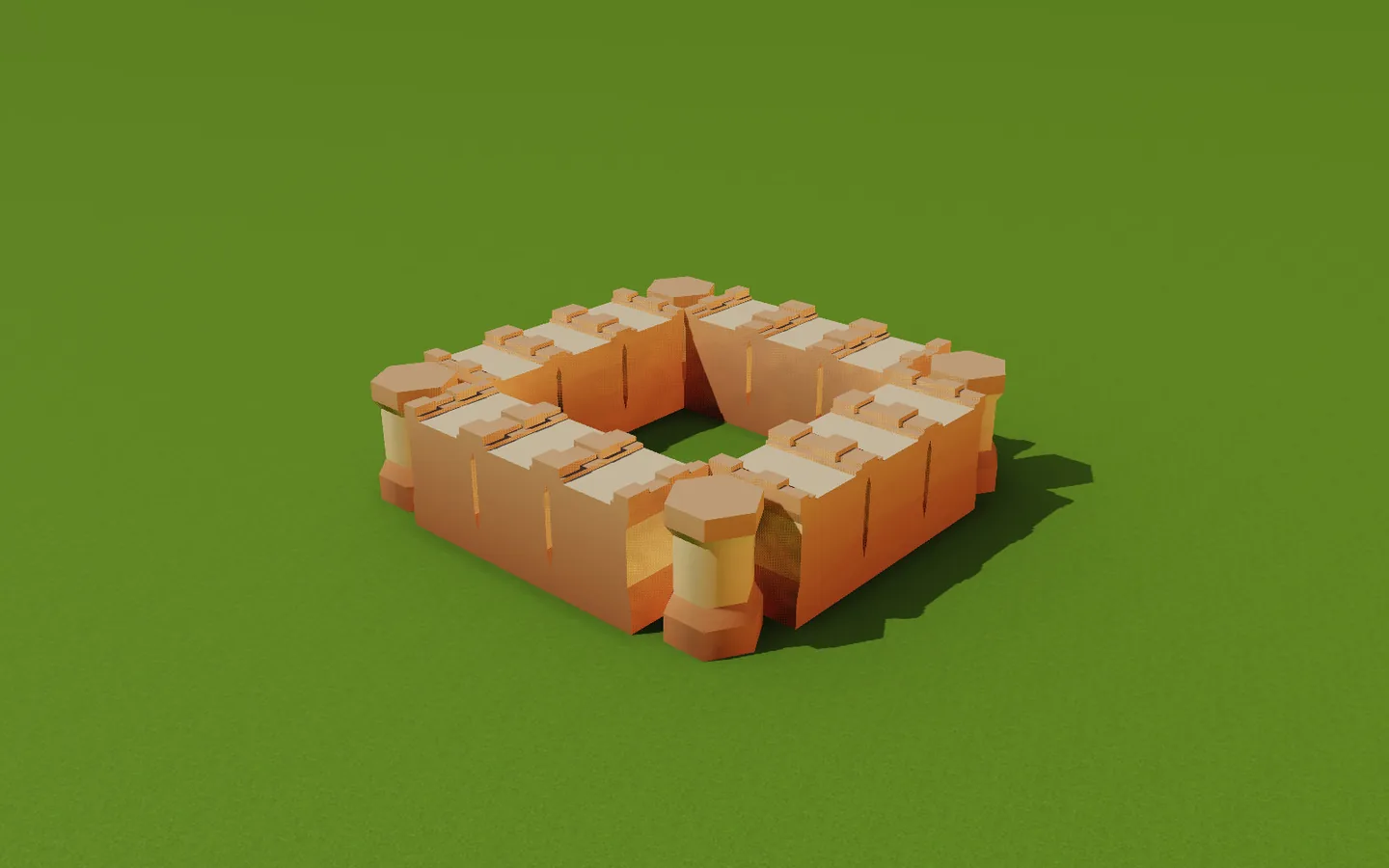
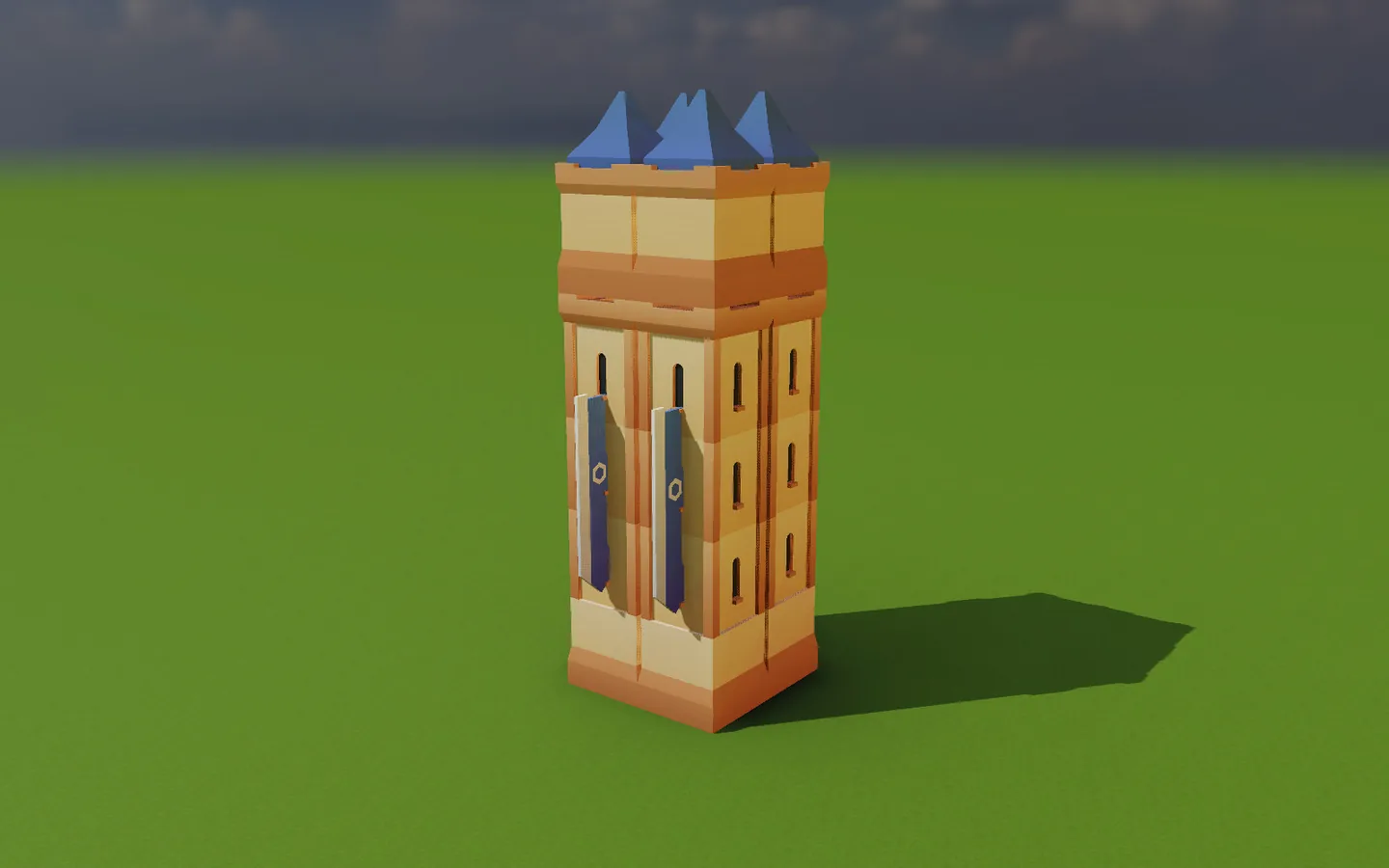
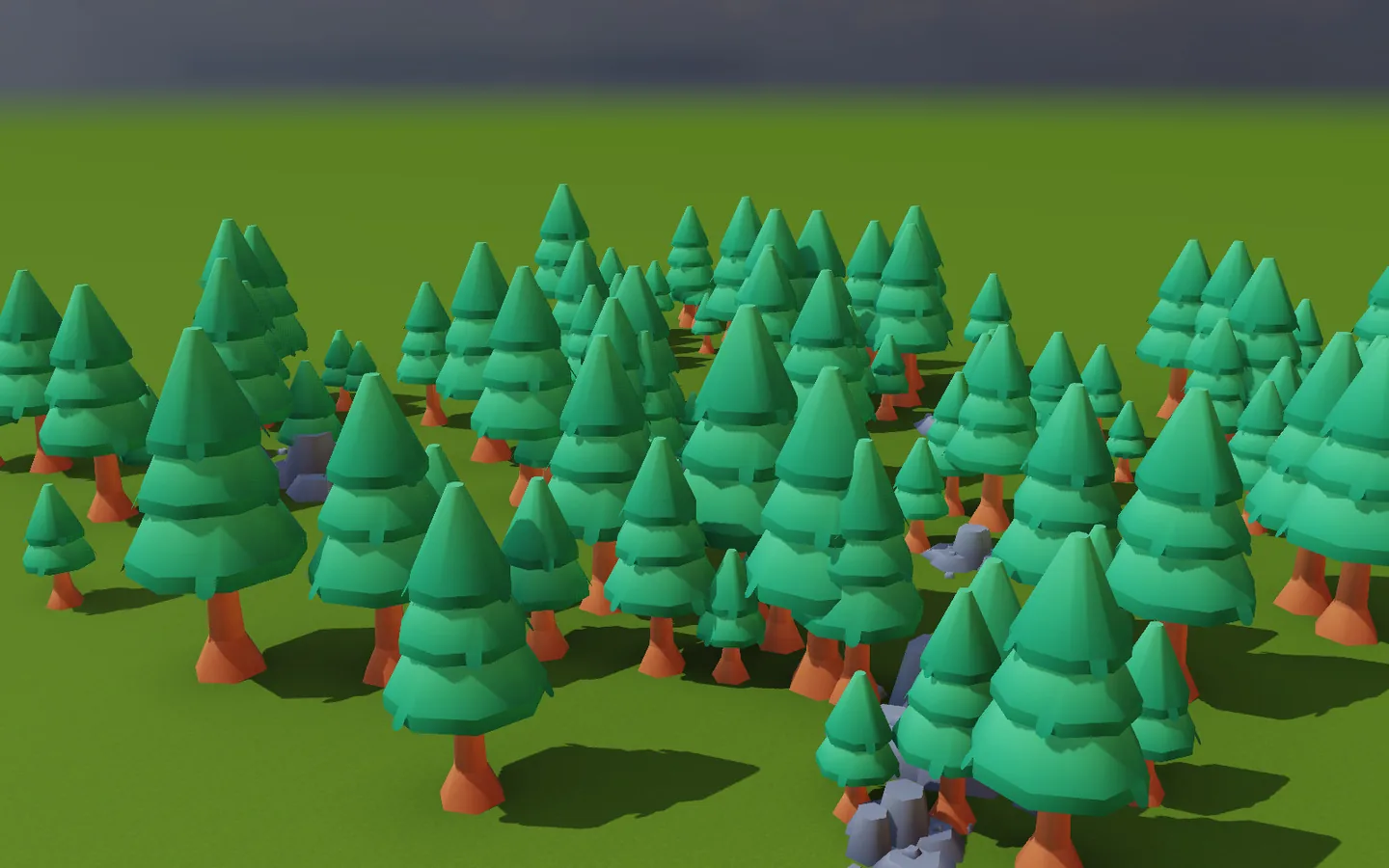
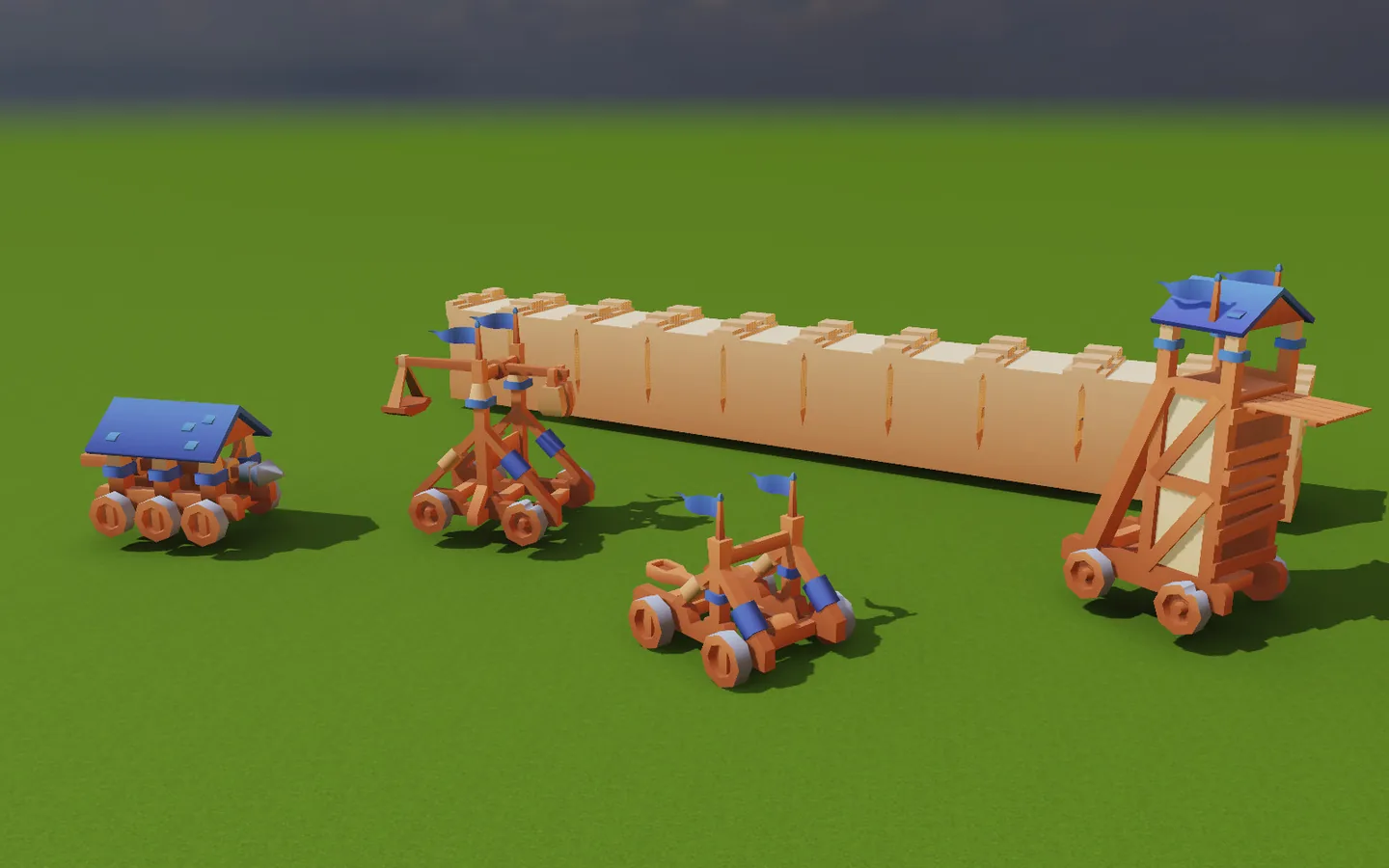
One 136-line script builds this castle from Kenney's Castle Kit (CC0). A wall 21 metres a side with eight towers, a gatehouse, a keep, siege engines and a wood.
Loops lay each run of wall. One loop turns every wall named "Side wall".
THE CASTLE IN SEVEN SCRIPTS
It ends by setting the sky, a grass floor and the scene's camera.
NEW FORMATS
Formats added since 1.0
Six groups of files that 1.0 could not open.
Windows Explorer, upgraded for 3D
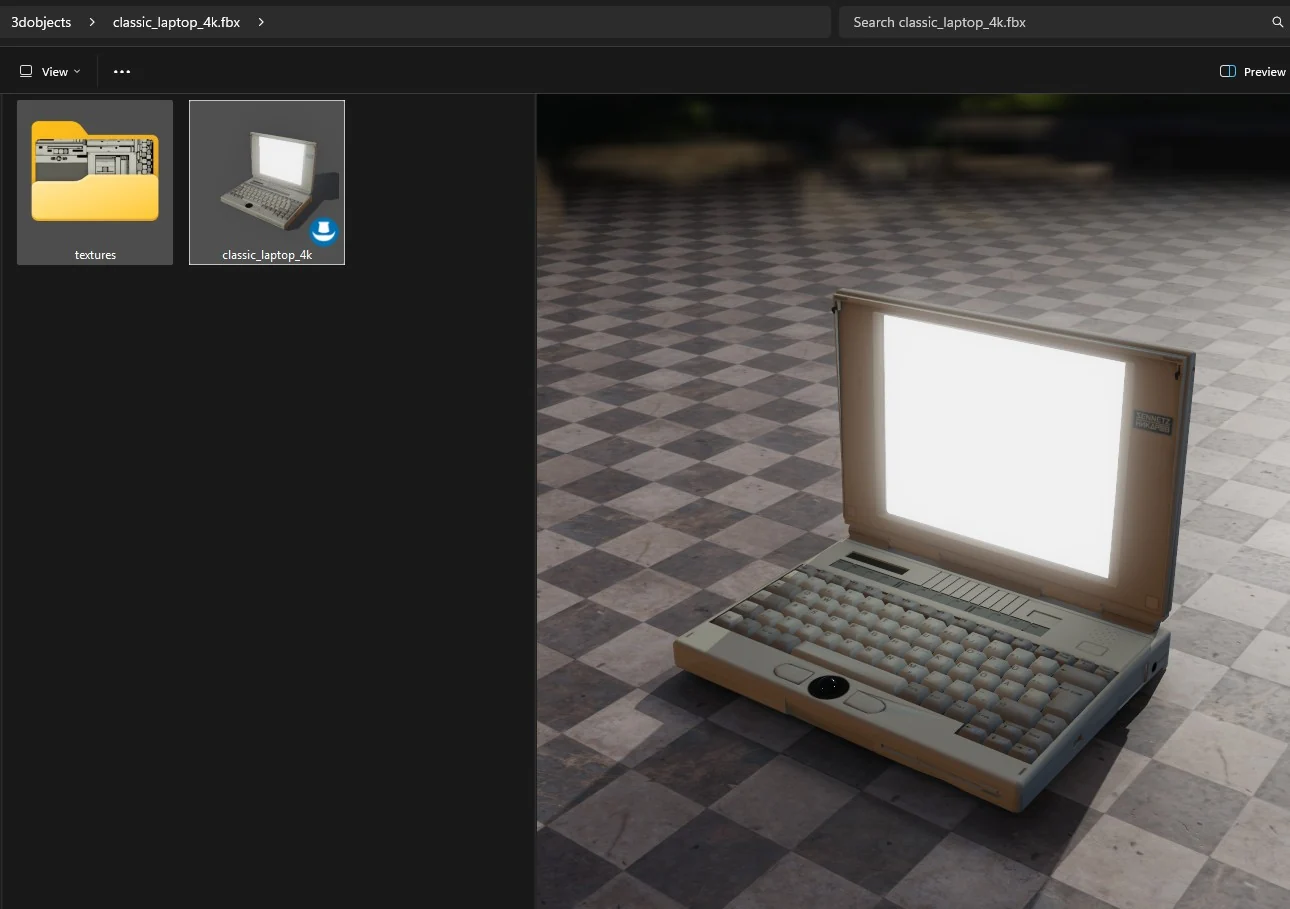
Every model and HDR image in the folder gets its own thumbnail. HDR images keep their full range, with exposure controls and the pixel value under the pointer. Looking never changes the file.
Rendered by Heimdall3D
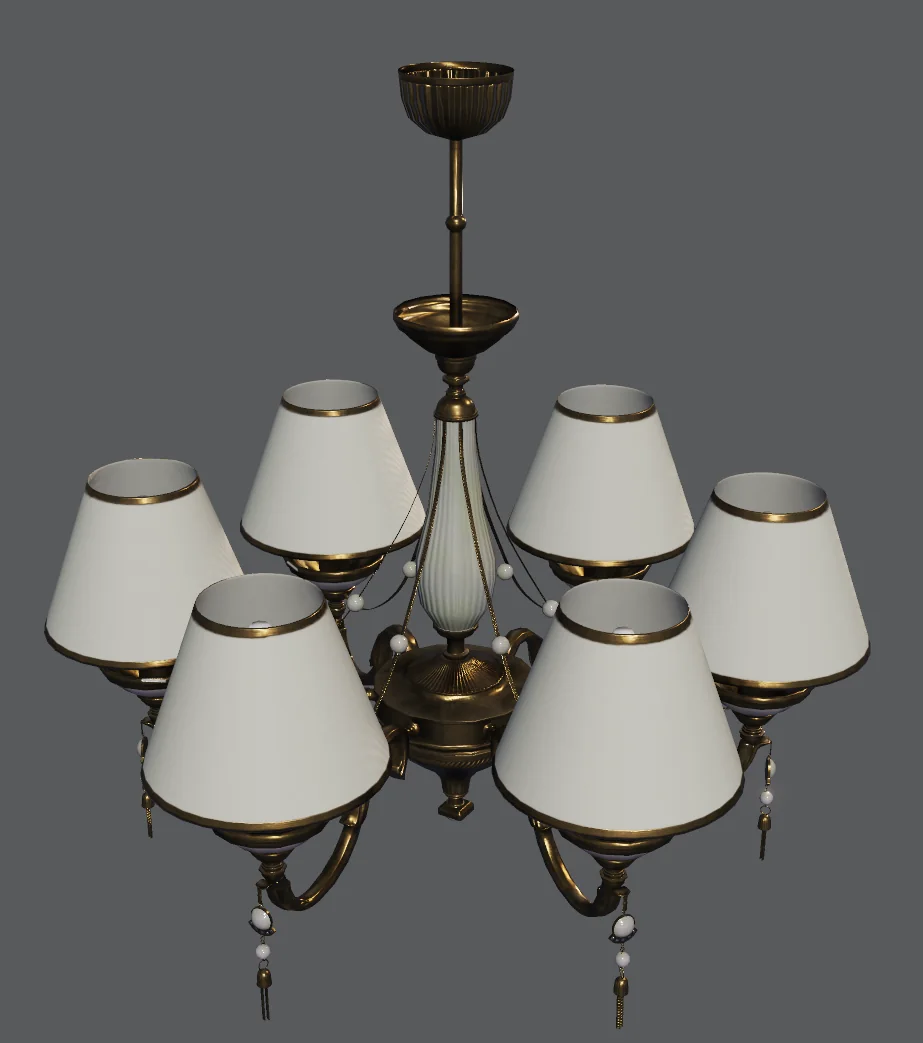
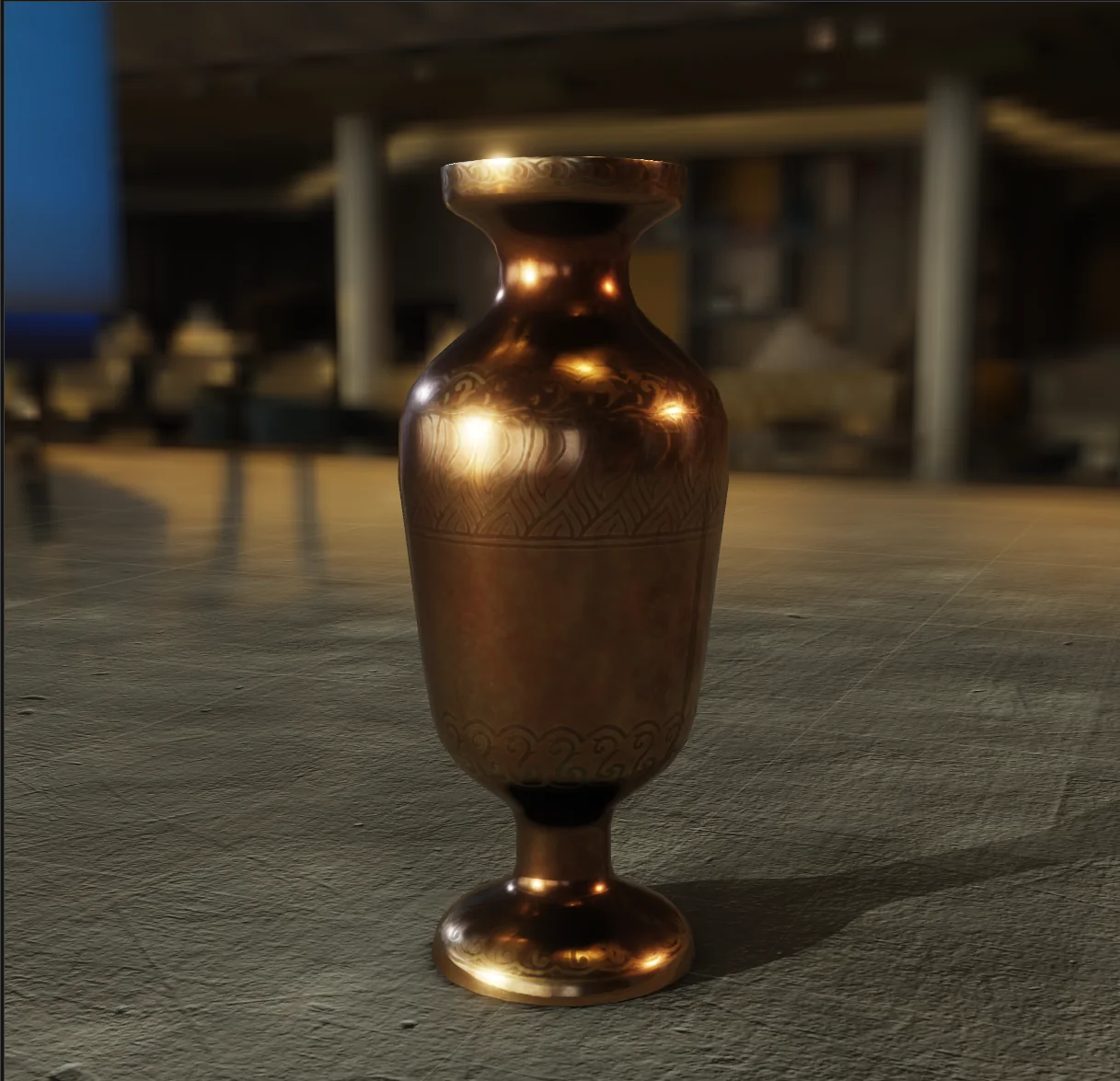
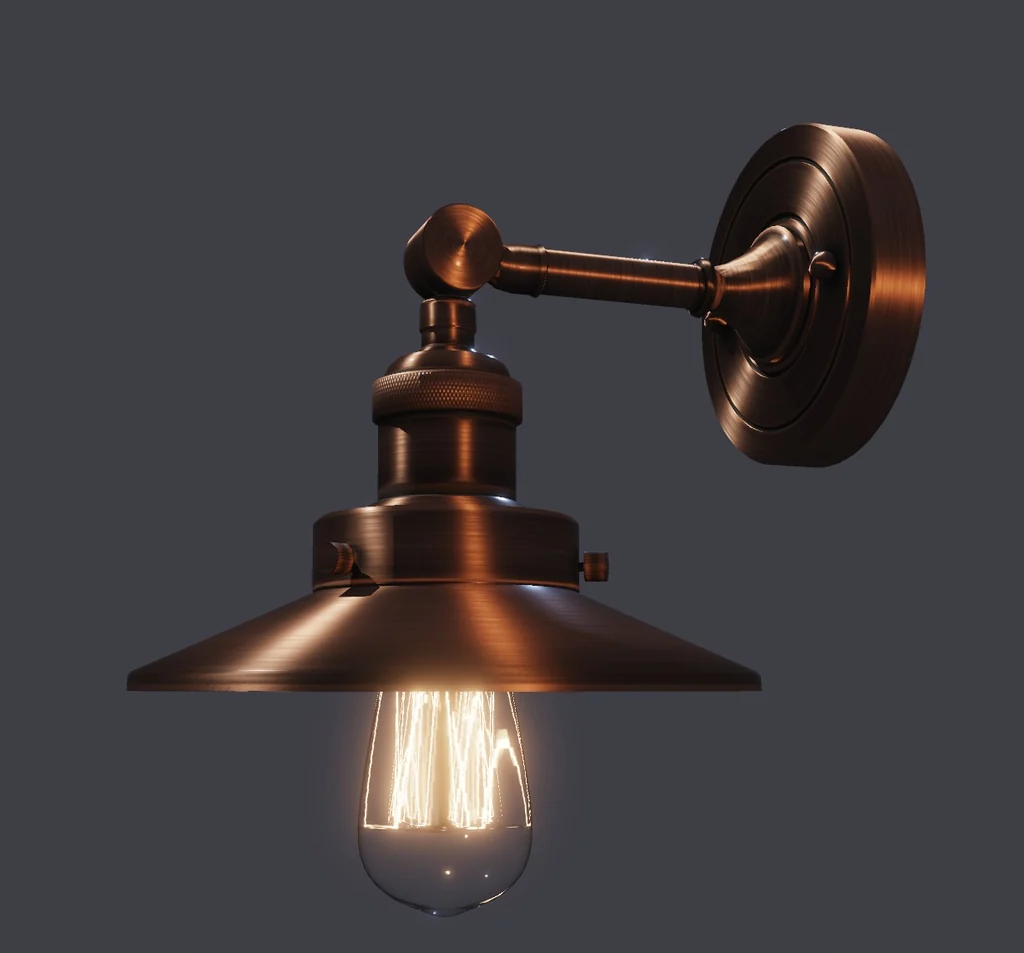
Its own renderer
Heimdall3D draws the file itself with Vulkan, on your GPU. NVIDIA, AMD and Intel all work.
A crash in the renderer never takes Explorer down. That one thumbnail is skipped and the next file draws as usual.
Light
An HDR environment map lights the model and fills its reflections. Move three studio lights (key, fill and rim) around the model, each with a colour or Kelvin temperature and a size that sets how soft its shadow is. Gobos, volumetric beams, one bounce of indirect light and light through coloured glass are there too.
Thumbnails
A 350,000-triangle model takes about 1.2 seconds on the test system, then comes from cache. Motion capture files show the mannequin in a typical pose. HDR, EXR and DDS files show their pixel size in the file list.
Formats
Models: glTF, GLB, VRM, FBX, OBJ, PLY, COLLADA, 3DS, 3MF, STL, USD, Alembic, VRML97, AMF.
Motion capture: BVH, and the animation inside FBX, glTF, USD and Alembic.
Gaussian splats: PLY, SPLAT, KSPLAT, SPZ, SOG and the streamed SSOG.
Voxels and volumes: OpenVDB, NanoVDB, MagicaVoxel, Qubicle, binvox, NRRD, OctoMap, SDF, MOL.
Print files: G-code, BGCODE, CTB, CBDDLP, Photon, GOO.
2D and game art: Aseprite, Tiled, LDtk.
Images: Radiance HDR and PIC, OpenEXR, PFM, DDS, KTX2 and Basis, TIFF.
A model format is listed only when its materials, textures, skeleton and animation load too. PNG, JPEG, WebP and TGA open inside a model. As files they are left to Explorer, which draws them itself.
Share it on the web
Our browser viewer shows the same files on any web page, with guided tours. Models, Gaussian splats, captured places and point clouds. See Skirnir →
Download Heimdall3D 1.1.2
Heimdall3D 1.1.2 runs on Windows 10 and 11.
The free version has thumbnails, the preview pane, the viewer window and every format. It needs no account or key, has no watermark and does not expire.
A licence is one payment of €49 including VAT and covers the 1.x line with updates. It adds eight actions: saving an image, copying a frame to the clipboard, writing a sprite sheet, recording a turntable or an animation clip, running a shot destination, automatic rigging, putting motion capture onto a character and exporting a model as GLB or FBX with skeleton, skin weights and clips. The export controls stay visible in the free version and say that they need a licence. What the price covers.
Download the Installer, 162 MB Download the ZIP, 186 MB
Installer or ZIP
Use the installer. It registers the thumbnail and preview handlers, removes any previous version, and on uninstall restores the handler another program had registered. The ZIP holds the same files and leaves registration to you.
Verify the download
Compare the SHA-256 before running the file.
Heimdall3D-1.1.2-setup.exe · 162 MB
36ca460f821049680ed749be7847fd8119420b8c0aa51101d07d4aa220b47a8b
Heimdall3D-1.1.2.zip · 186 MB
2889e7b622ca0cfe1a3b45667c8c538799fc158647e05e9c44c04a49e8776d90
In PowerShell:
Get-FileHash <file> -Algorithm SHA256
Do not run the file if the result differs.
Report a file that renders incorrectly
The most useful report is the file, or a screenshot and what it should look like.
Heimdall3D on the Microsoft Store
The Store build is the same Heimdall3D for Windows Explorer. It installs and updates itself. The price page explains the two channels.
Credits
Every picture on this page is a render of somebody else's model. Three are licensed under Creative Commons Attribution, where the credit is a condition of use.
- “Stained Glass Lamp” © 2021 Wayfair (Eric Chadwick), CC BY 4.0.
- “Anisotropy Barn Lamp” © 2023 Wayfair, LLC (Eric Chadwick), CC BY 4.0.
- “Mosquito In Amber” © 2018 Loic Norgeot / Sketchfab, real-time refraction © 2019 Sketchfab, CC BY 4.0.
The rest are CC0: the brass goblets and the bronze whale by Tina, the gothic cabinet and both chandeliers by Kirill Sannikov, and the brass vase by Rico Cilliers, all from Poly Haven. The sci-fi helmet and the teacup are Khronos glTF Sample Assets. The light in every render is a Poly Haven HDRI. The floors are from Poly Haven and ambientCG. The mannequin is Quaternius's Universal Animation Library 2. The toolbar glyphs are Tabler Icons, MIT. Full credits.
The mailing list
One message goes out when a new build is released. Nothing else is sent, and the address is not shared.
Every message has an unsubscribe link. One press removes the address.
Questions
Why do my 3D models show as blank icons in Windows Explorer?
Windows has no built-in thumbnail support for most 3D formats. Microsoft's 3D Viewer covered a few and has been removed from new installations. Heimdall3D adds a thumbnail handler that renders glTF, GLB, FBX, VRM, OBJ, PLY, COLLADA, 3DS, 3MF, STL, BVH, USD, Alembic, VRML97 and AMF files directly, so the file list shows the model instead of a generic page icon. It uses its own renderer and does not depend on any Microsoft component.
Can Windows Explorer preview EXR and HDR files?
Not on its own. With Heimdall3D installed, EXR, Radiance HDR, PIC, PFM, DDS, KTX2, Basis and TIFF files get real thumbnails and open in the Explorer preview pane with exposure control in EV stops, tone-mapping options, gamma and channel isolation. The image is decoded in floating point, so raising the exposure recovers detail rather than stretching an already flattened picture.
Can I rotate a model in the Explorer preview pane?
Yes. The preview pane is an interactive viewer, not a still. You can orbit the camera, zoom, change the environment map and the floor, and play any animation the file carries.
Will installing it break the thumbnails another program already provides?
No. Where a file type already has a thumbnail handler from another application, the previous one is recorded before ours is registered and put back when Heimdall3D is uninstalled. A repeat install or an upgrade does not overwrite that record with our own handler, which is the case most likely to lose it.
If the pane says a file could harm your computer
The message comes from Windows. It marks every file you download, and it will not run any preview handler on a marked file. The thumbnail still renders and double-clicking still opens the file; only the preview pane is refused. To clear it on one file, right-click it, choose Properties, and tick Unblock. To clear a whole folder, run this in PowerShell: Get-ChildItem "C:\path\to\folder" -Recurse | Unblock-File. Most models downloaded from an asset site arrive marked.
Why does a .gltf file with separate textures not open in the preview pane?
Windows gives a preview handler the contents of the selected file and never tells it where the file lives, so nothing stored beside it can be found. A .gltf that keeps its geometry in a .bin file, or its textures as separate images, therefore cannot be assembled inside the pane. Use .glb, which carries everything in one file, or double-click to open the model in the viewer window, which has the path and no such limit.